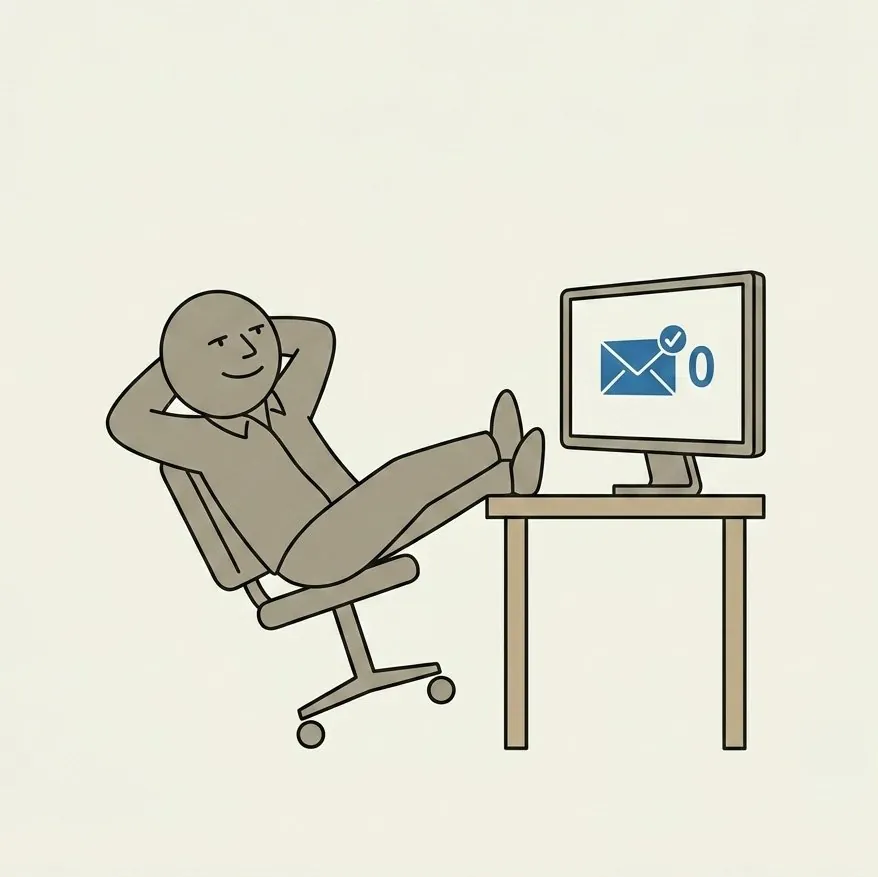
Wolfgang Croskey and I got into email on a recent episode of the Peter & The Wolf Show, and about ten minutes in I realized I'd never actually written my system down anywhere. I just do it. Turns out that's a mistake, because most PM operators I talk to are drowning in their inbox and have never once stopped to ask why.
Property management runs on email more than almost any other small business. Owners, tenants, vendors, applicants, lenders, inspectors… they all land in the same inbox, at the same volume, all day, every day. Most operators respond to that by building more infrastructure: more folders, more labels, more rules. That's exactly backwards. The fix isn't a better filing system. It's touching less of it, less often, and only once.
This is the system I actually run, across three active businesses, with an inbox that sits at zero most days. Steal whatever's useful.
Turn off all email notifications. Phone, desktop, laptop, tablet, everything. Fully off, including the red numbers (badges). You officially have my permission to do this. Email is asynchronous communication; you don't need real-time alerts. That's the whole point of email.
Use the One-Touch Method for messages: Do it, Delegate it, or Delete/Archive it. Don't get into your emails until you're ready to process them. Once you do, touch each email one time only. Handle it right then and there, then move to the next one.
Your email inbox is not a to-do list. Anything you can't Do in less than 2 minutes, move into a task management system (see next item), then Archive the email.
Tip: In Gmail, with a message open, you can copy the web address and it gives you a permanent link to that email thread. Extremely handy, and I only recently learned about this.
99% of manual labels, folders, and filters are a complete waste of time. Stop messing around with them and just use search instead (unless you use Outlook, then idk). 99% of what you're labeling, foldering, and filtering is stuff you will NEVER look at again and isn't generating revenue or helping you achieve business goals.
Unsubscribe from ALL newsletters except those you truly want to receive. Be ruthless with this. And for the ones you still want (except for this publication, natch), set up a Newsletter filter that automatically tags and archives those emails. Peruse them as time allows.
Anytime you send an email with a request to someone who may need a reminder or two to complete it, manually apply a "Requires Follow-up" label (mine is RequiresFU). Go through these once every week or two and nudge the recipient if it's still not done. Remove the label once complete.
Someone sent you something interesting to check out? Apply the Free Time label and Archive it. Peruse as time allows.
Your email signature and OOO auto-reply are extremely valuable real estate. Use them to promote interesting things at your company.
You have to be absolutely ruthless with customizing business app notifications (e.g. Slack, Meld, AppFolio, etc). By default they email you about every little thing. It's actually insane. As the business owner, 99% of these should be OFF. Fix this for your entire team as well, especially new team members.
You have to be absolutely ruthless with unsubscribing, blocking, and muting emails from senders you don't want to be receiving. Whatever your default setpoint is here, turn it up 3 clicks of aggressiveness and CRANK. As someone who sends a lot of email, I can assure you that if you don't want to be getting those emails, they don't want to be sending them to you. It ruins their sender reputation. You're doing them a favor by unsubscribing.
Your default state, and goal, should be Inbox Zero (no emails in your inbox). I'm there now, as I write this. And I run 3 very active businesses. You can do this too, I promise.
Shared inboxes are for EXTERNAL communications only (tenants, clients, vendors, prospects). Team member to team member email should never route through a shared inbox. And communication to and from any of the groups listed above should always go through one.
Google Groups let you add email addresses to your domain (which can be delivered to multiple users, and endlessly configured) without paying for a user seat.
Phishing is getting super aggressive, and as a property manager, you're a juicy target. These days, I recommend adding a layer of IT security (we use an IT firm built by and for property managers) to your domain. This goes above and beyond the default spam and phishing protection that Google, etc. offer, which is honestly pretty weak.
None of this is complicated, and that's the point. The hard part isn't understanding it, it's actually doing it, especially the unsubscribing and the notifications. Wolfgang Croskey and I got into the weeds on all of this, plus a few things I didn't cover here, on a recent episode of the Peter & The Wolf. Worth a watch if email's been running you instead of the other way around.